Navigation
Articles · Links · 3 min read
Is this link safe?
You can’t tell by looking — the label on a link can say anything. These four checks settle it before you tap.
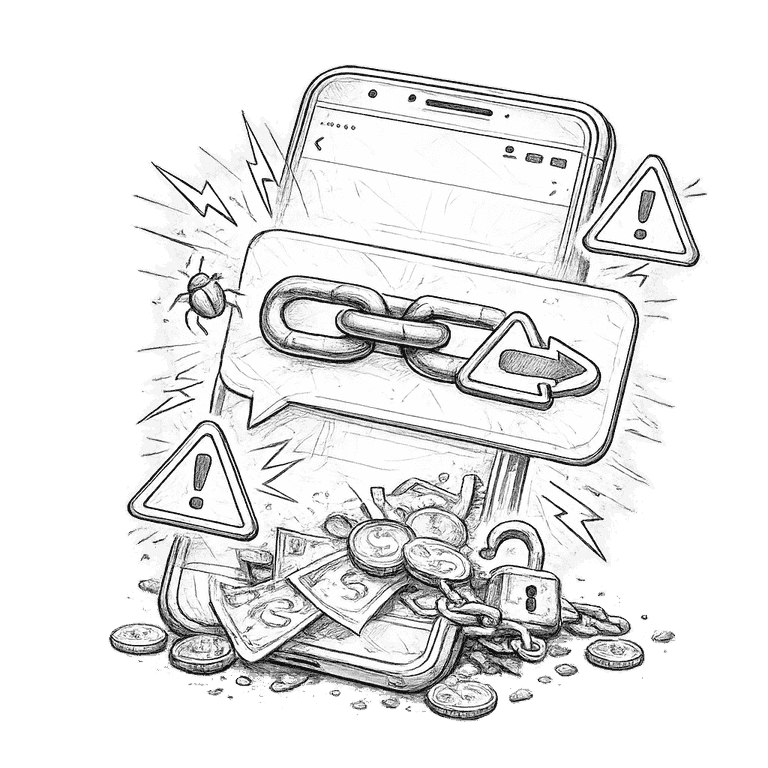
1. Reveal where it really goes
The text of a link can say anything — paypal.com can point to a scammer's page. Long-press the link on your phone (hover on a computer) to preview the real address before anything opens. If the preview doesn't match the label, you have your answer.
2. Read the domain right to left
The real owner sits just before the first slash. amazon.deals-verify.com belongs to deals-verify.com, not Amazon. Watch for extra words (netflix-billing.com), swapped letters (rnicrosoft.com), and unexpected endings — the front of an address is decoration, the end of the domain is the truth.
3. Treat short links as unknown links
bit.ly, tinyurl, and QR codes exist to hide the destination. From a friend mid-conversation, fine. In an unexpected message about money, a parcel, or your account, a shortened link is a curtain — and you don't tap through curtains.
4. Ignore the padlock
The padlock and https mean the connection is private — not that the site is honest. Scammers get certificates in minutes, so most fake pages have one. A padlock on a fake bank login just means you're being robbed over a secure connection.
And when the link claims to be your bank, a courier, or any account that matters: don’t use the link at all. Type the address yourself or open the app — if the message is real, the same alert will be waiting there.
Also worth knowing

Fake websites · 2 min
How to spot a fake website