Navigation
Articles · Phishing · 3 min read
PayPal scam emails: how to spot them
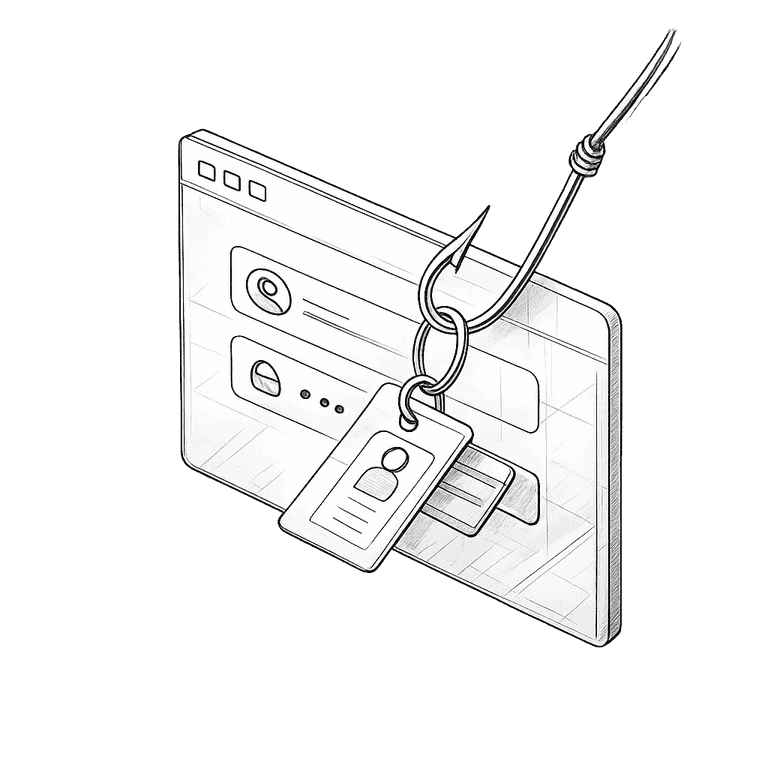
PayPal is one of the most impersonated names in your inbox — because one click on a fake means a stranger inside your money. The fakes come in three shapes, and three checks expose them all.
The three shapes of a fake PayPal email
The invoice
'You paid $499.99 to CoinTech Ltd' — for something you never bought, with a phone number to 'cancel the charge'
The limited account
'Unusual activity detected, your account has been limited' — and a button to 'verify' your login and card
The payment you sent
'You sent $250 to John D.' — panic bait, designed to make you click 'dispute' without thinking
Three checks that expose every fake
1. Check the address, not the logo
The display name says PayPal; the address behind it says something else — a free mailbox or a lookalike domain with extra words. Real PayPal email comes from paypal.com, and it greets you by your full name, never 'Dear customer'.
2. Don't call, don't tap — the exits are the trap
The 'cancel' phone number connects you to the scammer; the 'verify' button opens a copied login page. Whatever the email claims, its own doors only lead where the sender wants you.
3. Let your real account settle it
Open the PayPal app or type paypal.com yourself and log in. A real charge shows in your activity; a real problem shows in the Resolution Center. If nothing's there, the email was the scam.
The same three checks work on any payment email — banks, Venmo, Amazon. The name changes; the trick is always phishing.
Also worth knowing
Phishing · 4 min
Is this email a scam?