Navigation
Articles · Passwords · 2 min read
How to create a strong password
A strong password is long, unique to one account, and impossible for anyone to guess. Four rules do almost all the work:
Go long
Length beats complexity
Four or five random words strung together — correct-battery-horse-kitchen — are far harder to crack than a short scramble like "P@ssw0rd!", and much easier to remember. Every extra character multiplies the guessing a computer has to do.
Make it unique
One password, one account
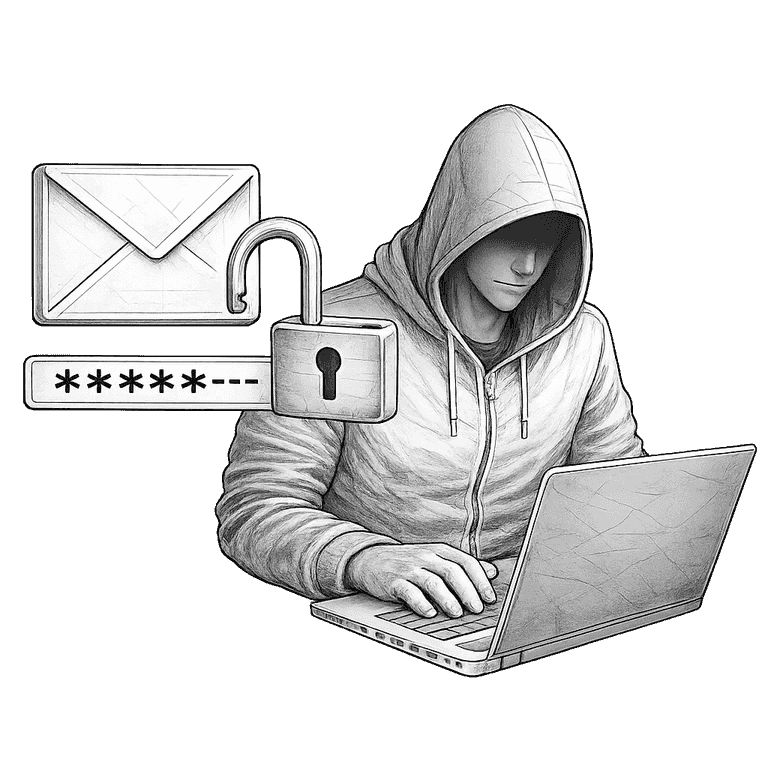
Reusing a password means a single breach hands over everything. When one site leaks, attackers try the same login on your email, bank, and shopping accounts within hours.
Avoid the guessable
Skip anything on your profile
Names, birthdays, your pet, your team, or a straight run across the keyboard are the first things guessing tools try. If a detail sits on your public profile, treat it as already known.
Use a manager
Let software carry the load
A password manager generates a long, random password for every login and remembers them all, so you never type one from memory or repeat one again. Long, unique, and unguessable — a manager makes all three effortless.
You only need to remember one strong password — the one that unlocks your manager. Let it handle the rest.
Also worth knowing
Passkeys · 2 min
What is a passkey?