Navigation
Articles · Passkeys · 2 min read
What is a passkey?
A passkey is a passwordless login: a secret key kept on your own device and unlocked by your face, fingerprint, or PIN, so there's no password to type. Here's how it works, in four parts:
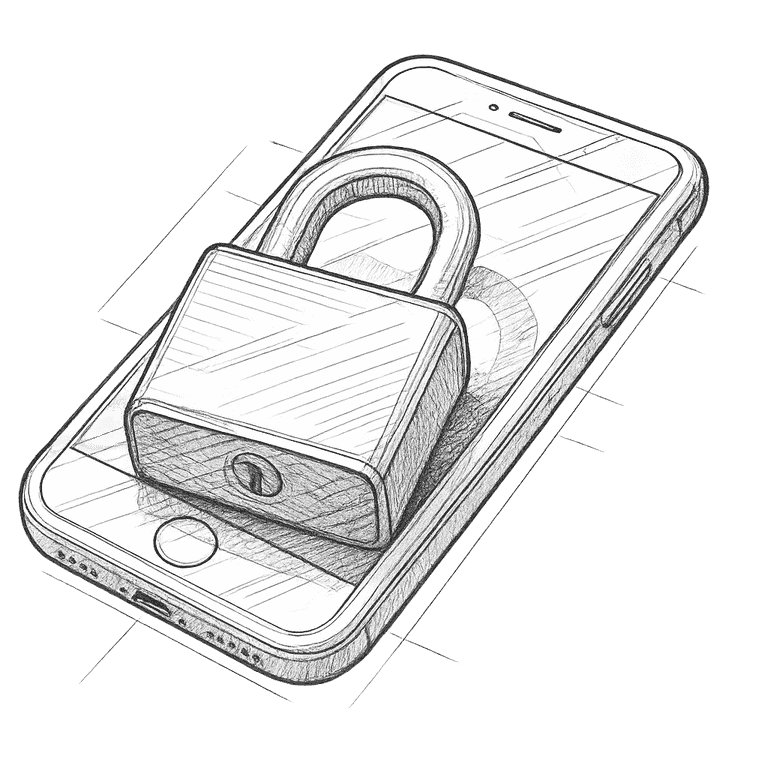
A matched pair
Half stays with you
When you create a passkey, your device makes two linked keys. One is public and lives on the website; the other is private and never leaves your phone or laptop. There is no shared secret to remember, and nothing you could accidentally hand over.
You unlock it
Your face, not a phrase
To sign in, your device uses the private key to prove it's really you — but only after you unlock it with your face, fingerprint, or PIN. You're never typing a secret that someone could watch, copy, or overhear.
Tied to the real site
A fake page gets nothing
A passkey is bound to the genuine web address it was made for. Land on a convincing look-alike login page and the passkey simply won't offer itself — so the classic trick of tricking you onto a fake site to steal what you type stops working.
Nothing to steal
A breach leaks nothing usable
The website only ever stores the public half, which is useless on its own. So when a company's servers are breached, there's no password to lift and reuse — nothing that logs an attacker into your account. That's a passkey — a login with nothing to type, phish, guess, or steal.
If a site offers passkeys, turn them on. There's nothing to remember, nothing to type, and nothing worth stealing. A passkey can't be phished, guessed, or leaked in a breach.
Also worth knowing

Passwords · 2 min
How to create a strong password